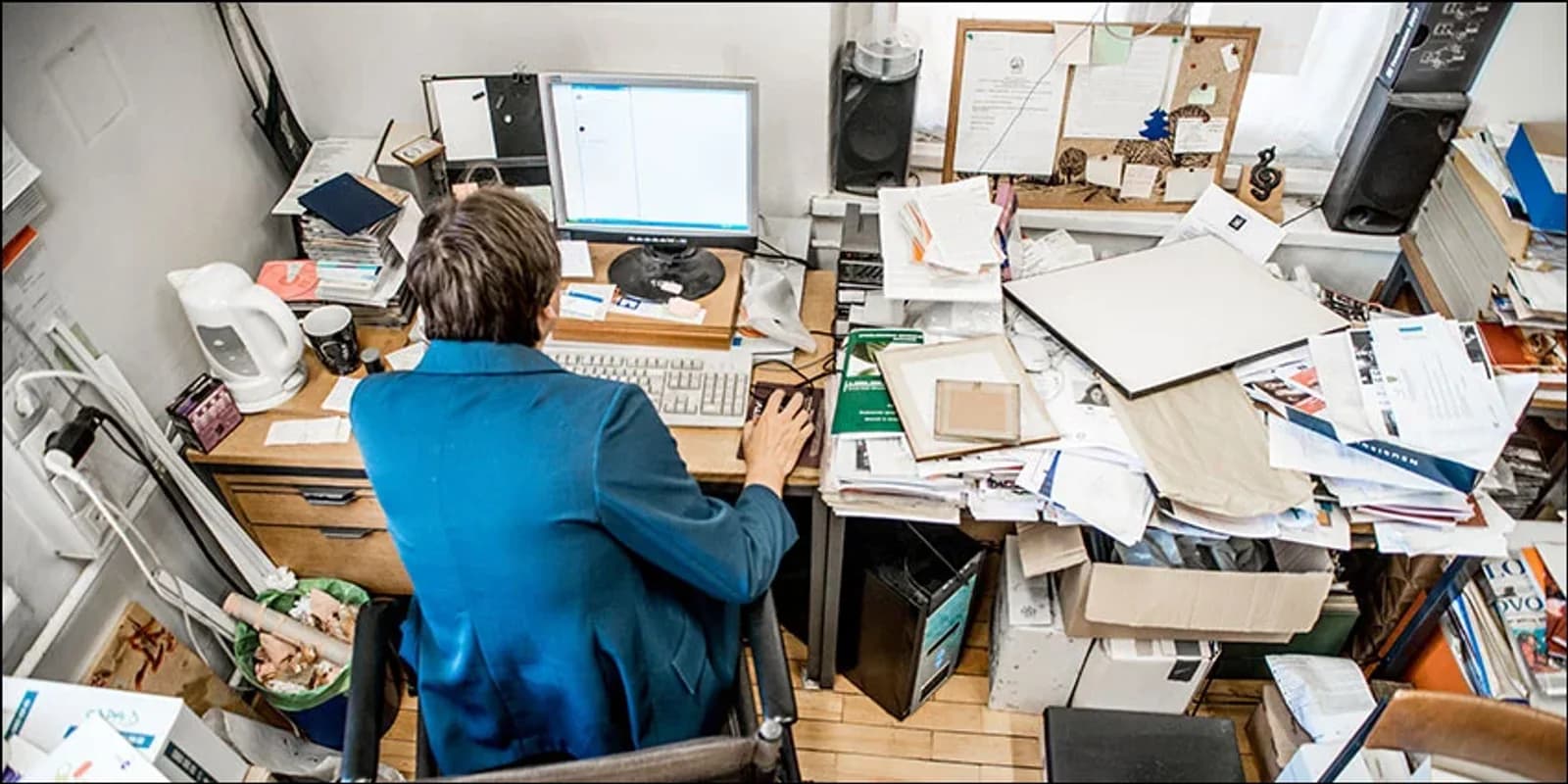
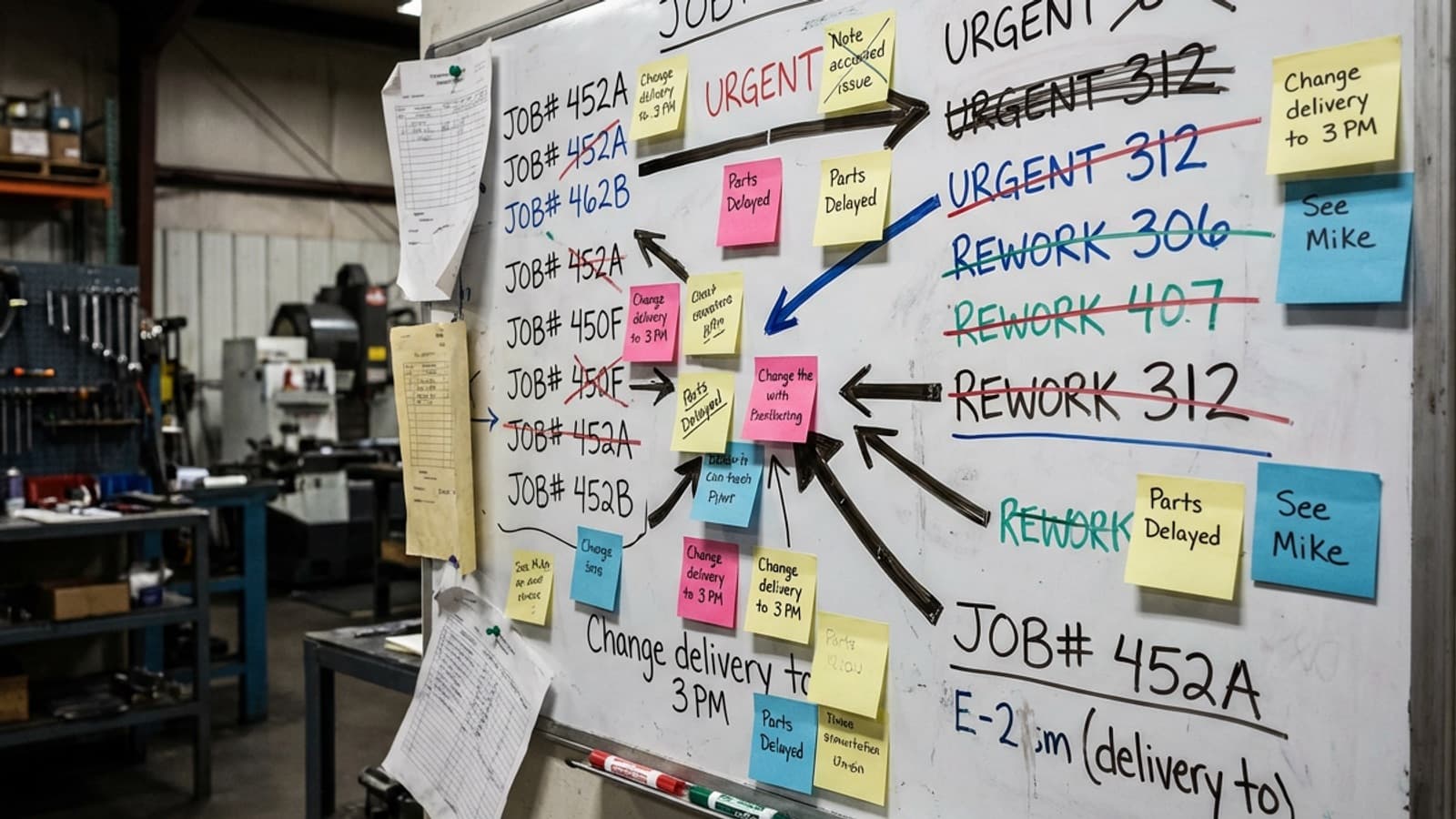
Every manufacturing workshop starts with a whiteboard. Job names in columns, deadlines in red, arrows showing what goes where. It works — until it doesn't.
This article compares whiteboards and scheduling software honestly. Not every workshop needs software. But most outgrow the board between 5 and 15 staff.
When the whiteboard works
Whiteboards work when:
- You run fewer than 10 concurrent jobs
- Your team is under 5–8 people
- Everyone can physically see the board
- One person manages the schedule and is always on the floor
- Jobs are simple with few production stages
In this environment, the whiteboard is fast, flexible, and free. It's a good tool. Don't fix what isn't broken.
When the whiteboard breaks down
The whiteboard starts failing when:
- You can't see who has capacity. The board shows jobs, but not available hours. You commit to a deadline without knowing whether your CNC operator is already at 110%.
- Changes don't propagate. A job gets pushed back. Everyone downstream needs to know. On a whiteboard, that's a conversation with each person — if they're on the floor.
- You lose history. A whiteboard has no memory. When a delivery date gets missed, you can't trace back to see what went wrong in the schedule.
- Only one person can update it. If the scheduler is on leave or in a meeting, the board goes stale.
- You're running multiple shifts or locations. A physical board only works if everyone is in the same room.
What scheduling software adds
Production scheduling software for workshops adds three things a whiteboard can't do:
- 1Capacity visibility. See available hours by work centre, employee, or machine before you commit to a deadline.
- 2Drag-and-drop rescheduling. When priorities change, move jobs instantly and see the knock-on effect across the whole schedule.
- 3Live progress tracking. When workers clock onto jobs (via time tracking), the schedule updates itself. You see what's ahead, what's behind, and what's stuck — without walking the floor.
Honest comparison
Here's the trade-off table:
- Speed of setup: Whiteboard wins. Software takes a week.
- Cost: Whiteboard wins. Software is a monthly subscription.
- Capacity planning: Software wins. Whiteboards can't show available hours.
- Change propagation: Software wins. One drag updates everything.
- History and accountability: Software wins. Whiteboards have no memory.
- Multi-location / multi-shift: Software wins. Boards are local.
- Simplicity for small teams: Whiteboard wins. No login, no training.
The trigger to switch
Most workshops hit the trigger between 5 and 15 staff, or when they start running 10+ concurrent jobs. The specific signal is usually one of:
- A missed delivery date you didn't see coming
- A job that went over budget because the schedule was wrong
- A key person goes on leave and nobody knows the plan
- You take on a second shift or a second site
If you've hit one of these, it's time to look at scheduling software. If you haven't, keep the whiteboard — it's working.
What to look for
If you do switch, look for scheduling software designed for manufacturing workshops specifically — not field-service scheduling (Jobber, Tradify) and not enterprise ERP (SAP, Oracle). Workshop scheduling software should have drag-and-drop Gantt charts, work centre capacity views, and integration with time tracking so the schedule updates from real floor data.