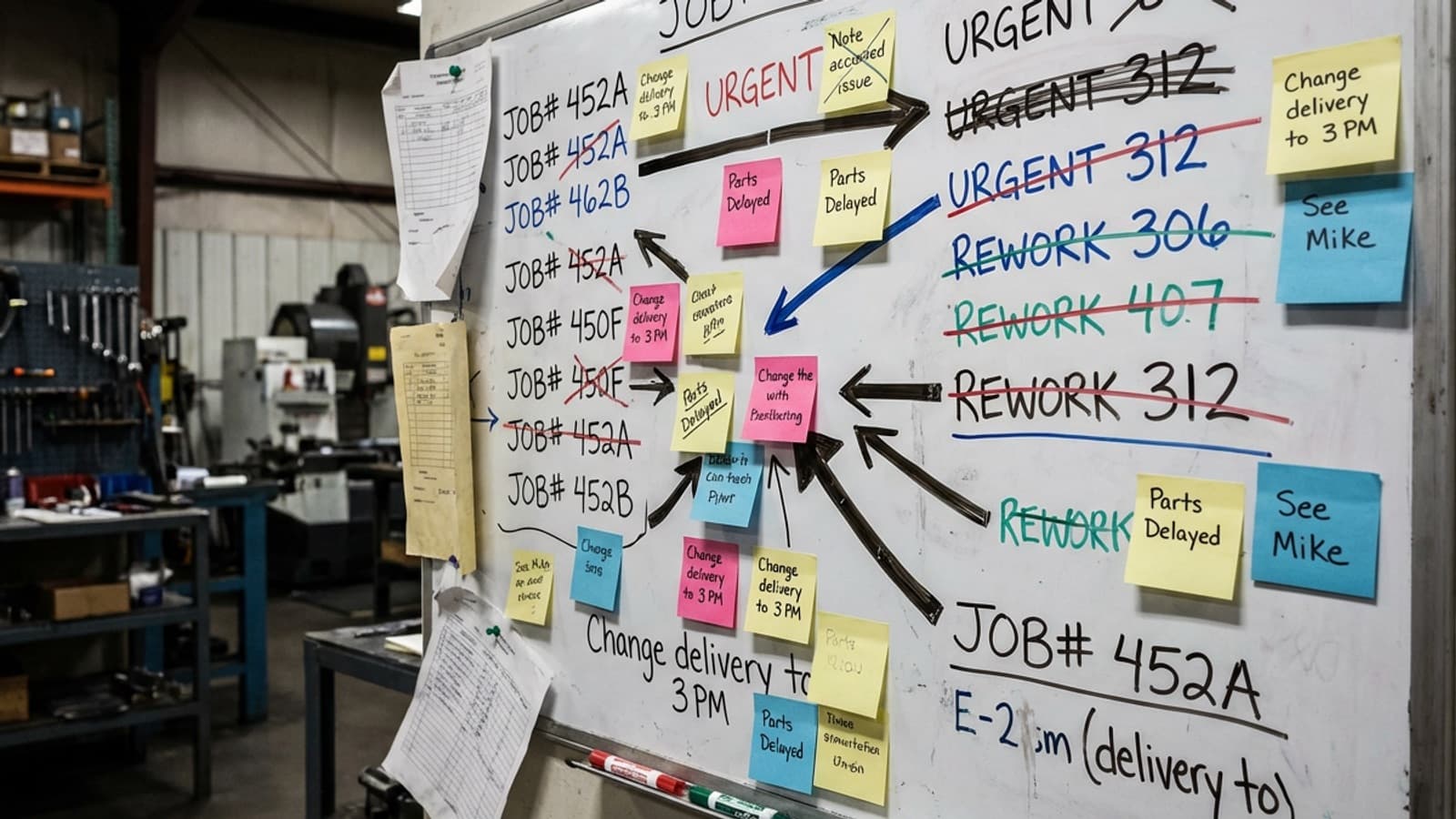
Job management software is a system that tracks every job in your workshop from quote to invoice — capturing labour hours, materials, scheduling, and progress in one place so you always know what each job costs and whether it's making money. For jobbing manufacturers, it replaces the patchwork of spreadsheets, paper timesheets, and whiteboards most workshops run on.
That's the short version. Here's what it actually means on a workshop floor.
What job management software does
- 1Captures labour against jobs — workers clock onto specific jobs and tasks from a tablet or floor screen, so you get accurate, real-time hours instead of end-of-week guesses.
- 2Tracks materials and costs — raw materials, consumables, and bought-in work are logged against the job they belong to.
- 3Schedules the floor — jobs are planned across work centres and people, so you can see capacity and bottlenecks before they bite.
- 4Reports live margin — actual cost (labour + materials + overhead) is compared against the quote as the job runs, so you know the margin before the job ships.
- 5Feeds your accounting system — verified time and job data flow into Xero, MYOB, or QuickBooks without re-keying.
How it's different from accounting software
This is the most common confusion. Xero, MYOB, and QuickBooks are accounting software — they track money in and money out across the whole business. They're excellent at that. But they can't tell you that Job #4872 took 42 hours against a 30-hour quote, or that your spray booth is the reason three jobs ran late last month.
Job management software works at the job level, on the floor, in real time. It answers whether a job made money and why — then hands the financial data to your accounting system. The two work together; one doesn't replace the other.
Who actually needs it
Not every business does. A solo operator or a team of two or three running a handful of simple jobs can get by on a whiteboard and a spreadsheet. Job management software earns its keep when:
- You're running 10 or more concurrent jobs
- Your team is past 5–8 people and growing
- Every job is different — jobbing or custom manufacturing rather than mass production
- You quote on labour and get burned when jobs run over
- Nobody can confidently say what the margin on a given job is
What to look for in a workshop context
The phrase means different things in different industries, so avoid two traps. The first is field-service tools built for trades on the road (Tradify, Jobber, Fergus). The second is heavyweight enterprise ERP (SAP, Oracle). Neither is built for a jobbing workshop floor.
Look for software designed for manufacturing workshops specifically — floor-based time capture, task-level job costing, work-centre scheduling, and tight accounting integration. That's the combination that turns a busy floor into a measurable, profitable one.
The bottom line
Job management software gives you one honest picture of every job — what it cost, where the time went, and whether it made margin. For a growing jobbing manufacturer, that's the difference between quoting on gut feel and quoting on data.